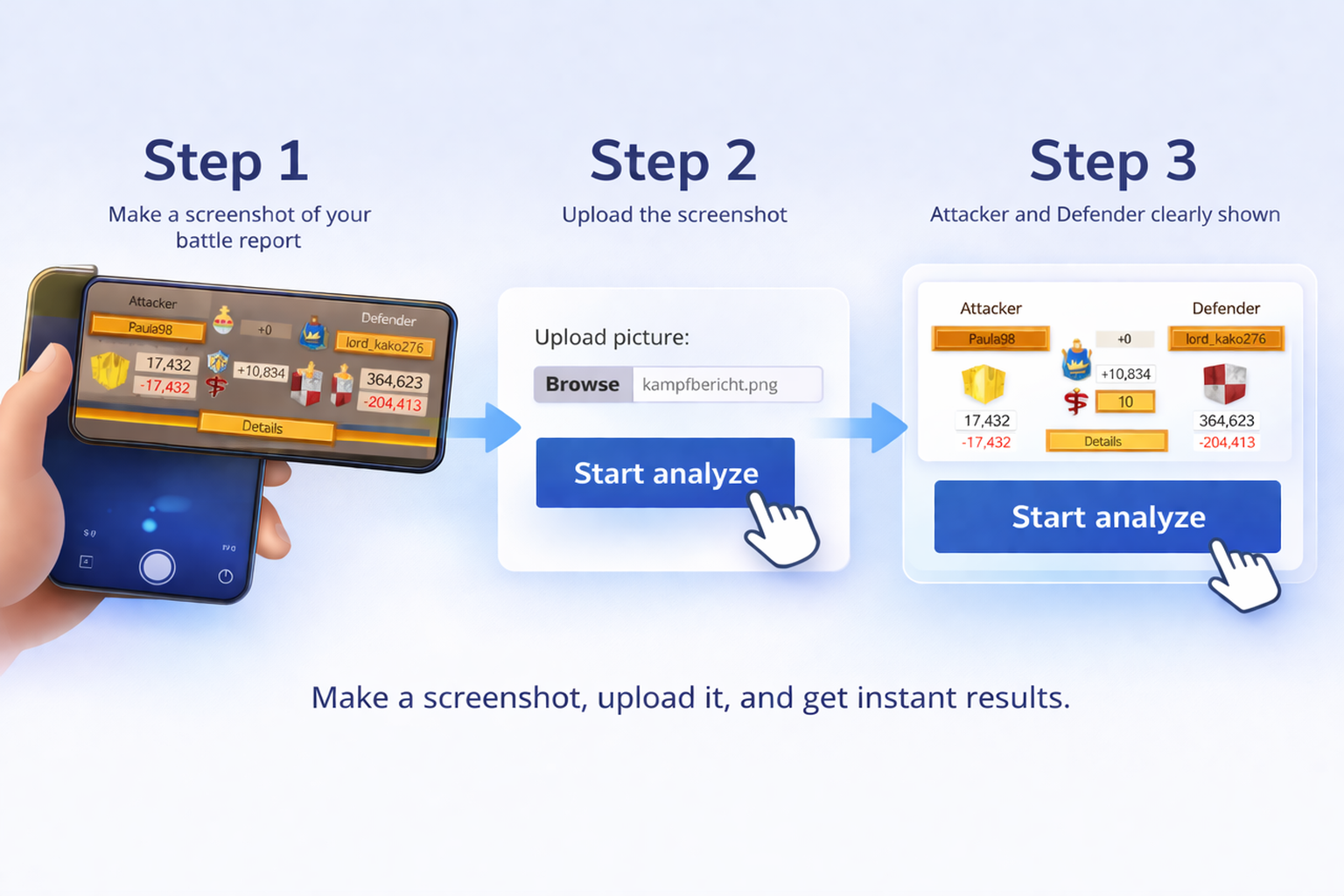
Primero, haz clic en tu alianza:
Firstly, click on your alliance:
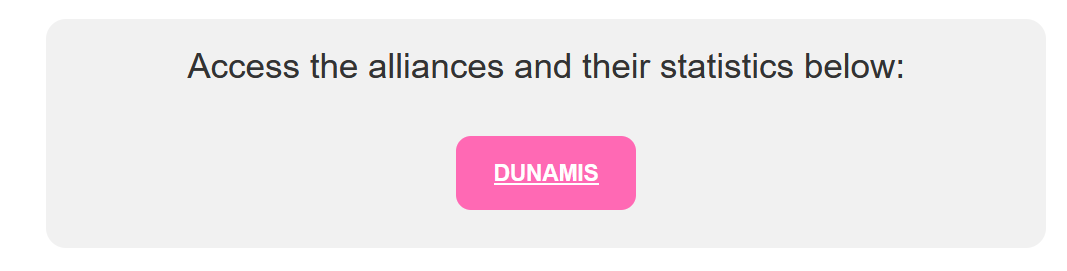
Después de hacer clic, verás la captura de pantalla arriba. Esto muestra la selección de tu alianza.
After clicking, you will see the screenshot above. This shows your alliance selection.
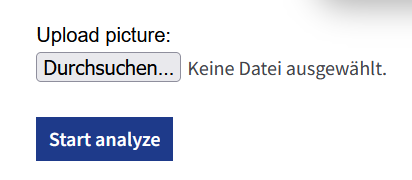
Luego haz clic en „Examinar“ y sube la imagen. Foto/captura de pantalla de la batalla.
Then click on „Browse“ and upload the image. Photo/screenshot of the battle.
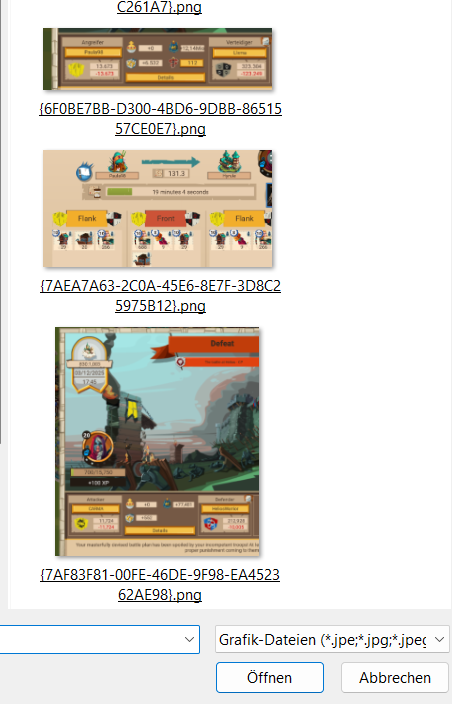
Luego selecciona el archivo/foto/… correspondiente y súbelo.
Then select the respective file/photo/… and upload it!
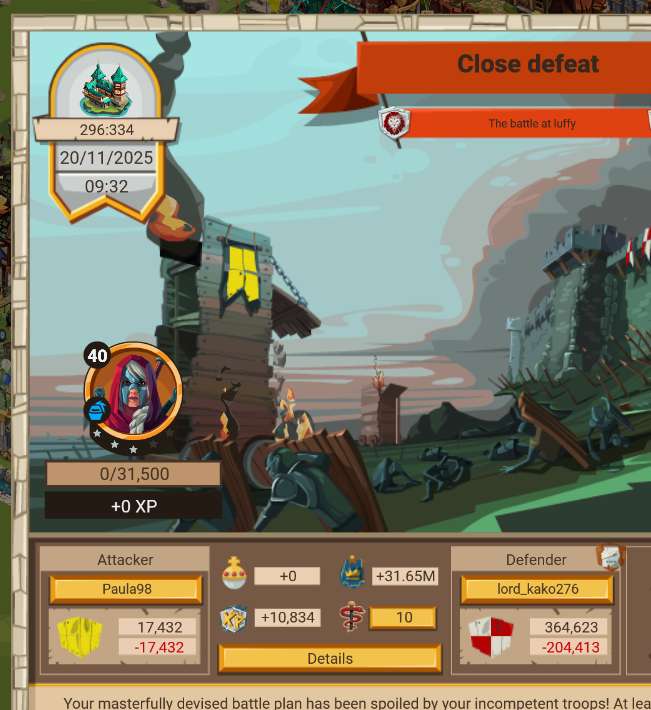
Luego selecciona el archivo/foto/… correspondiente y súbelo.
Then select the respective file/photo/… and upload it!
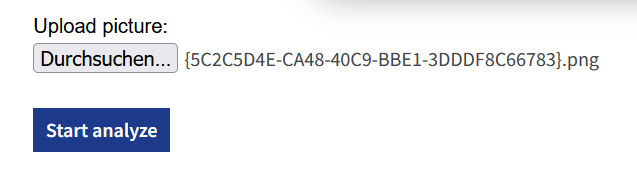
Luego haz clic en „Start analyze“.
Then click on „Start analyze“.
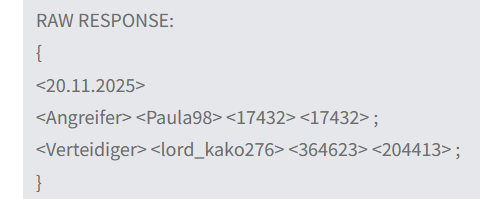
Luego espera 2-5 segundos.
Then wait 2-5 seconds.
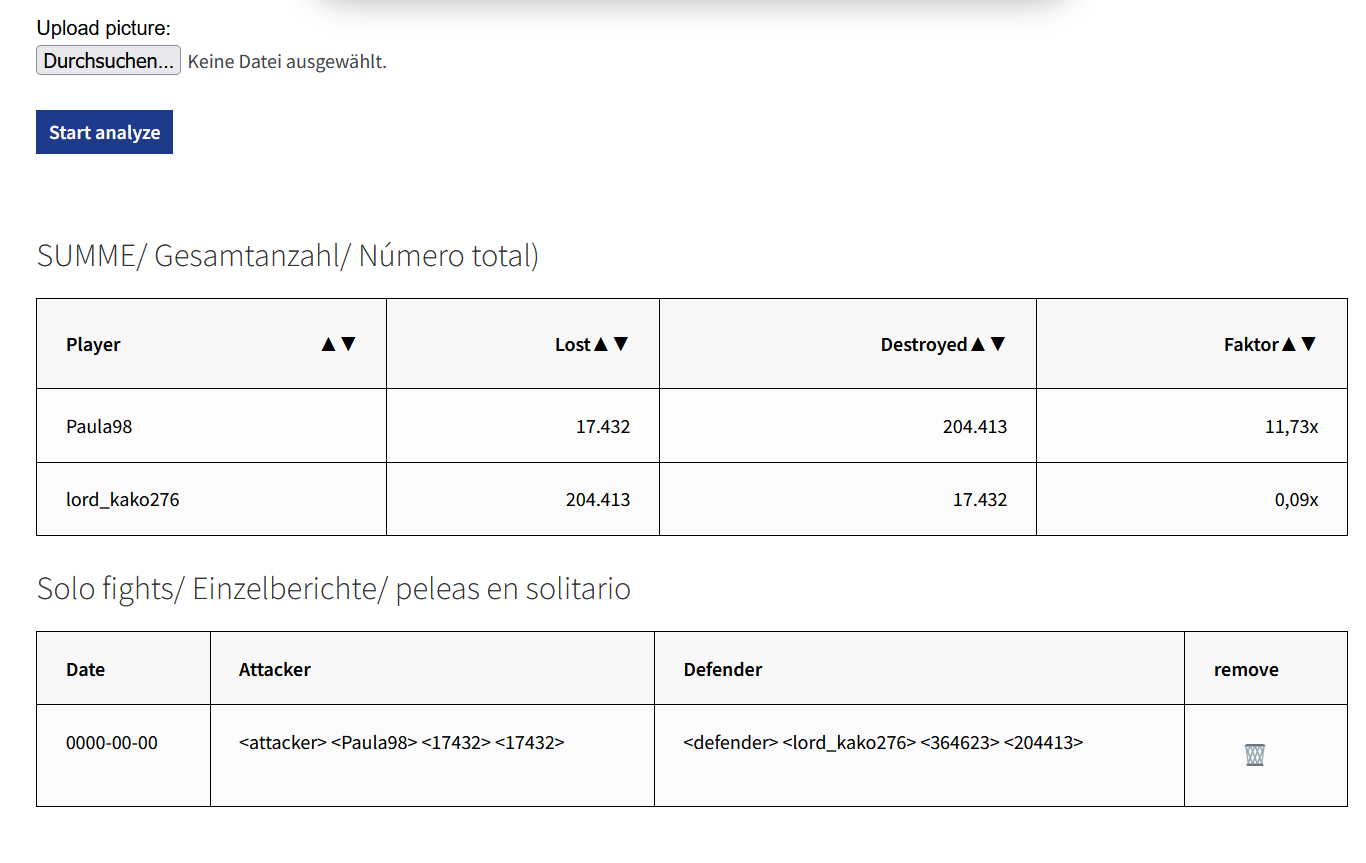
¡Listo! Ahora puedes ver el resultado.
Done! Now you can see the result.
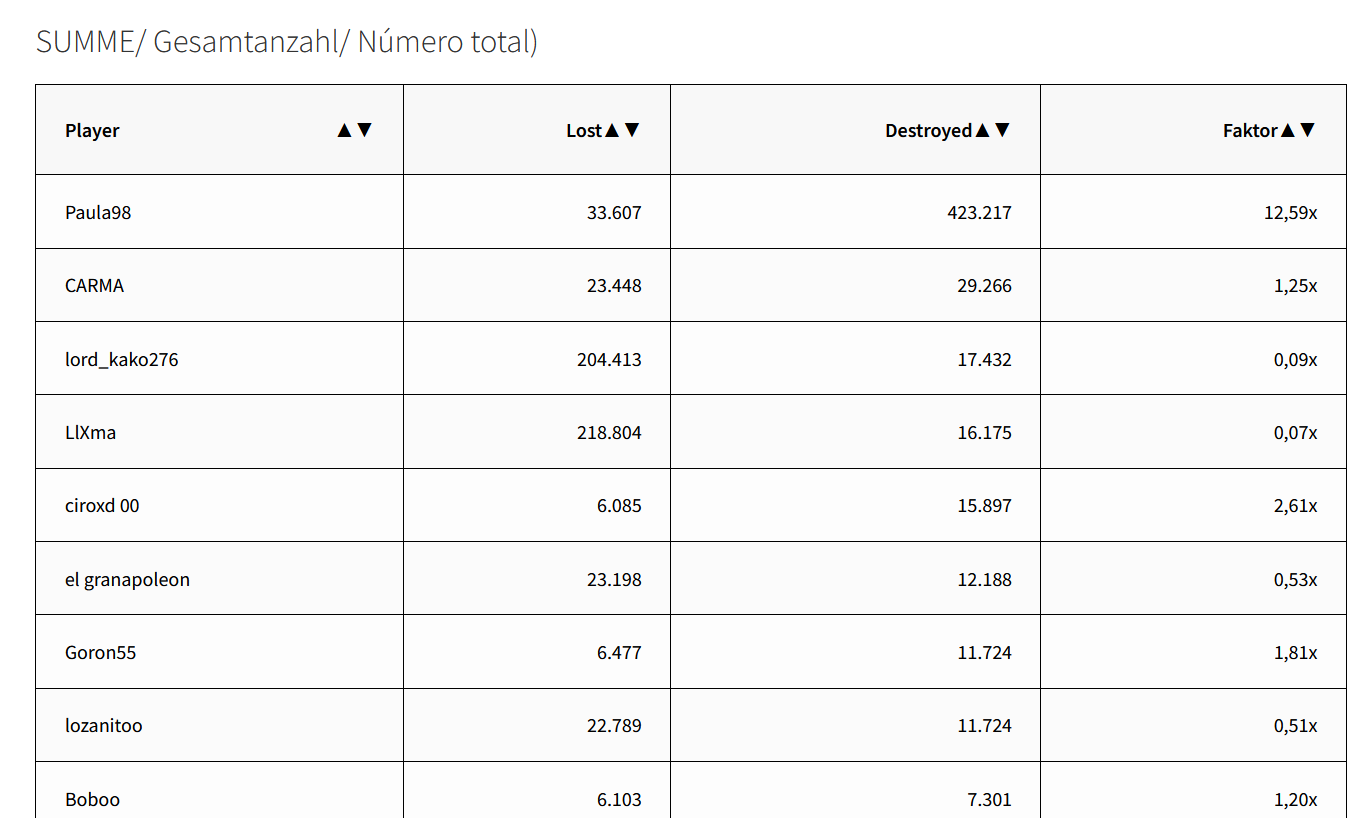
¡Que te diviertas mucho!
Have fun! Wishing you a great time.
Your Paula
More details, how does the system work?
Más detalles, ¿cómo funciona el sistema?